guides
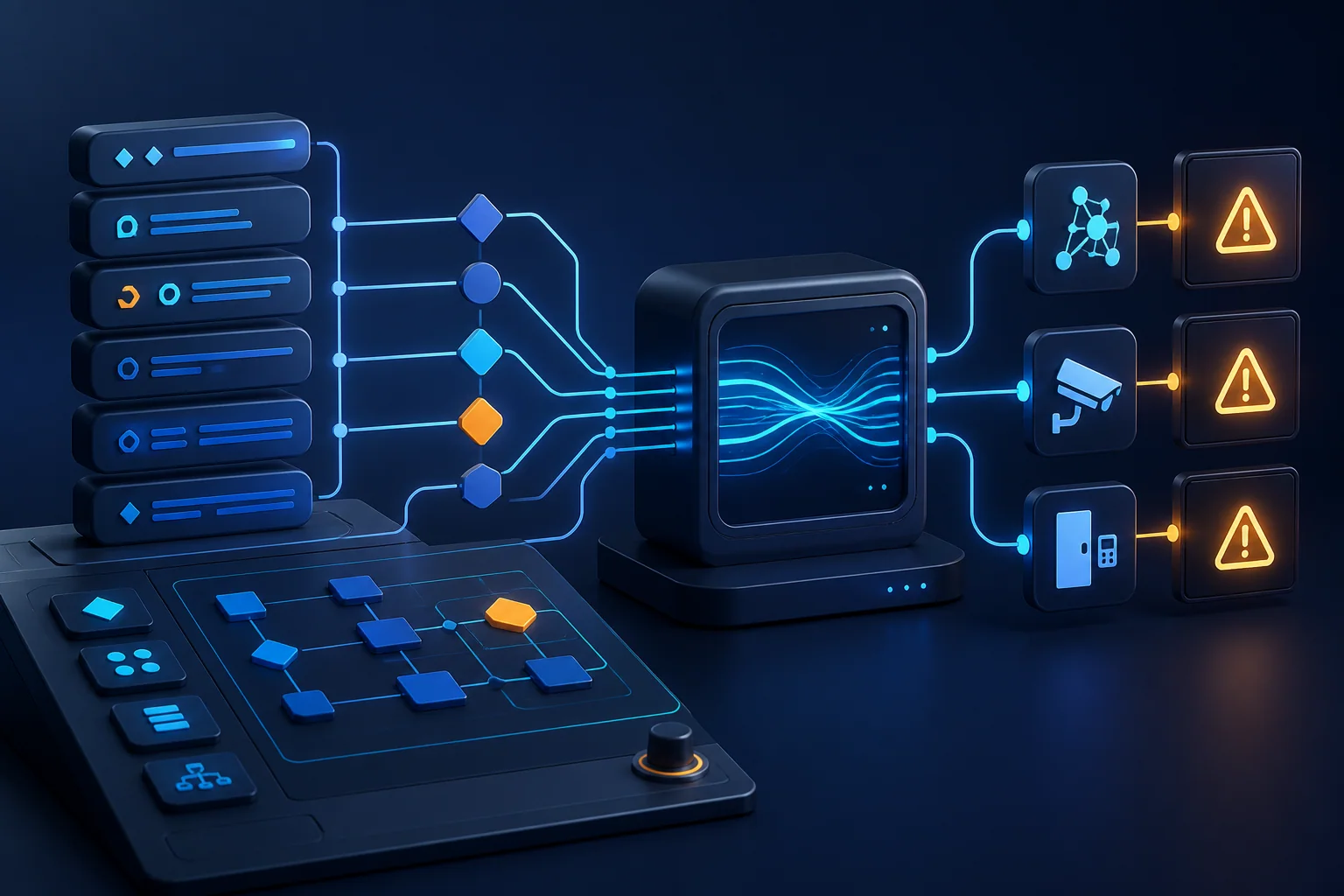
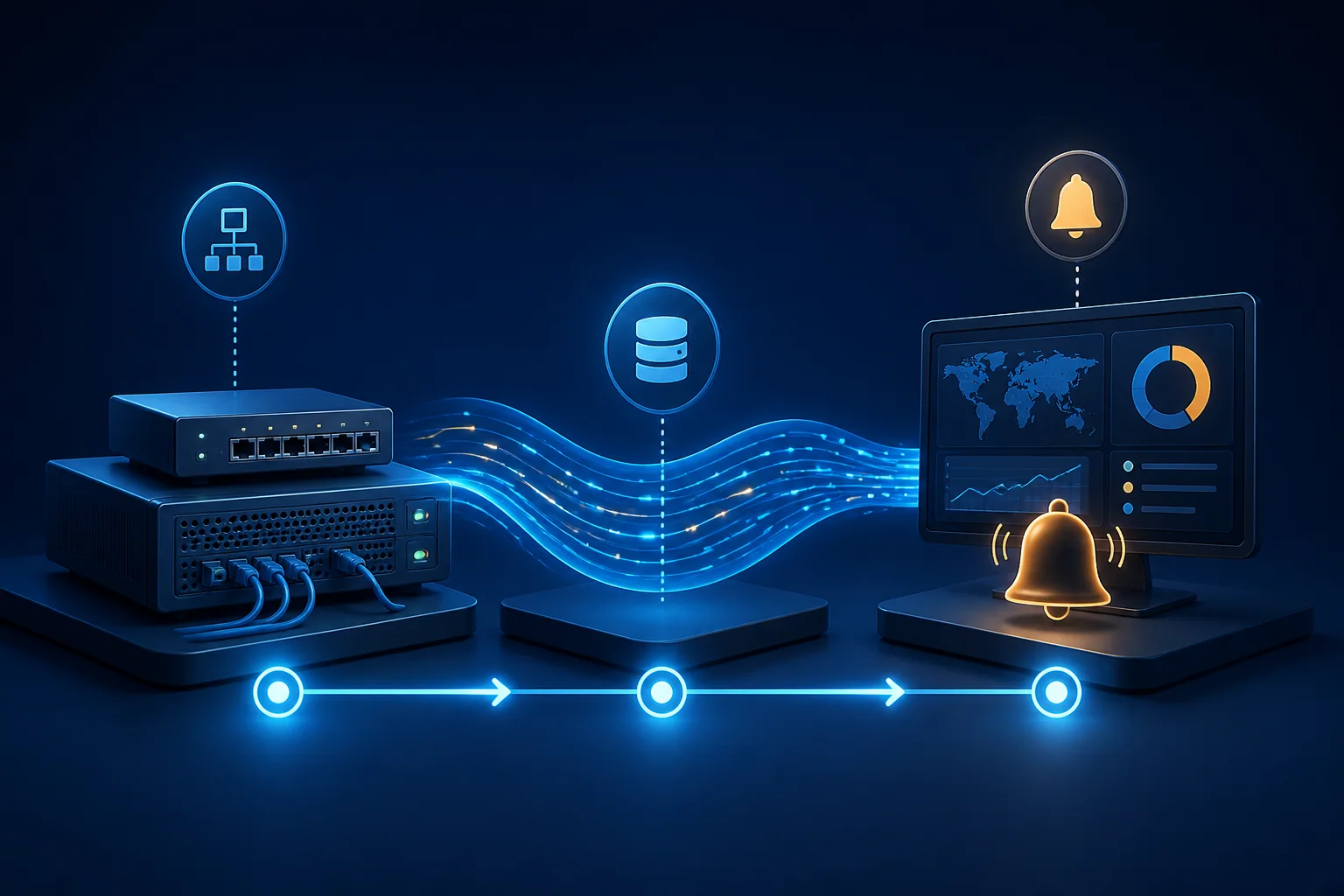
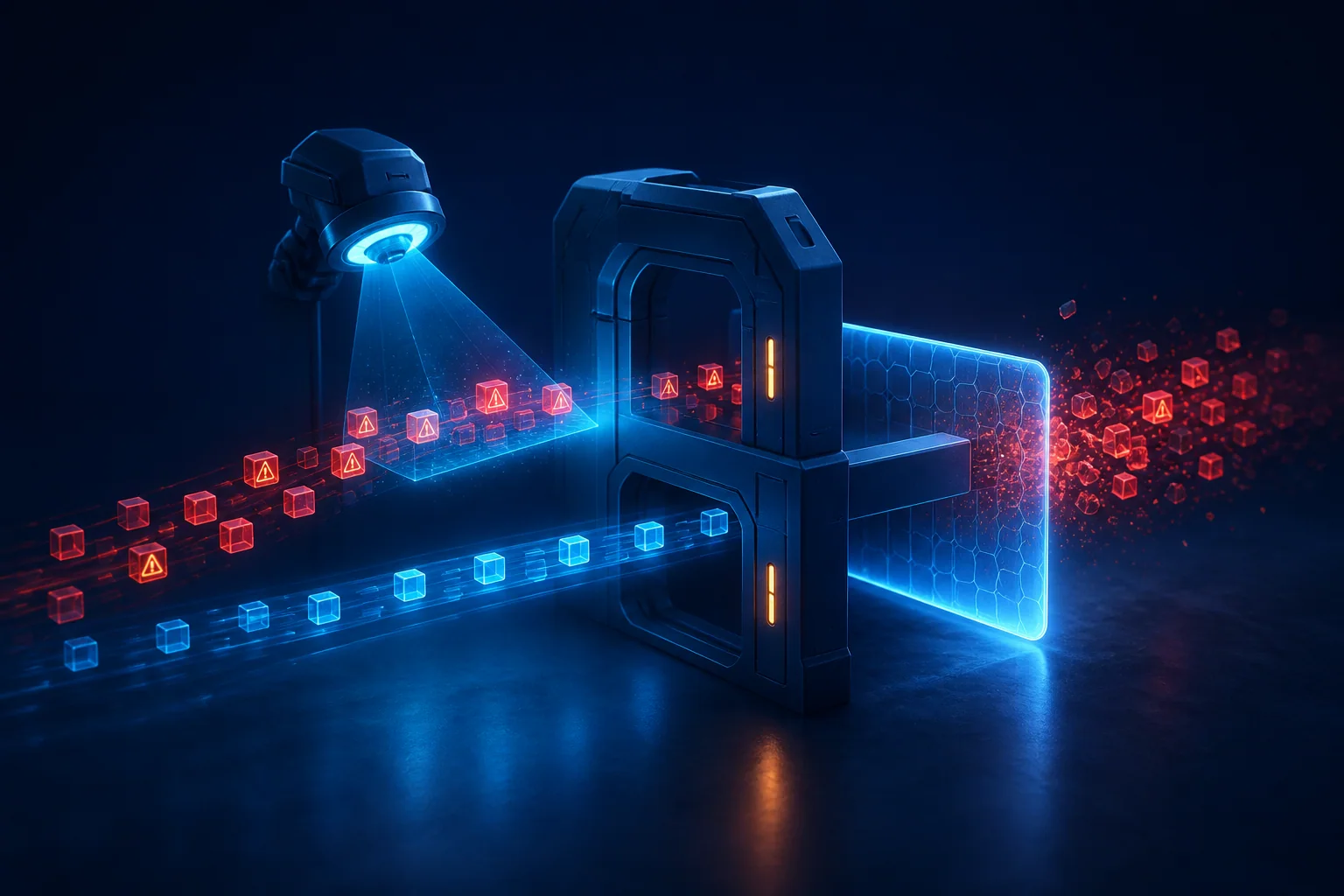
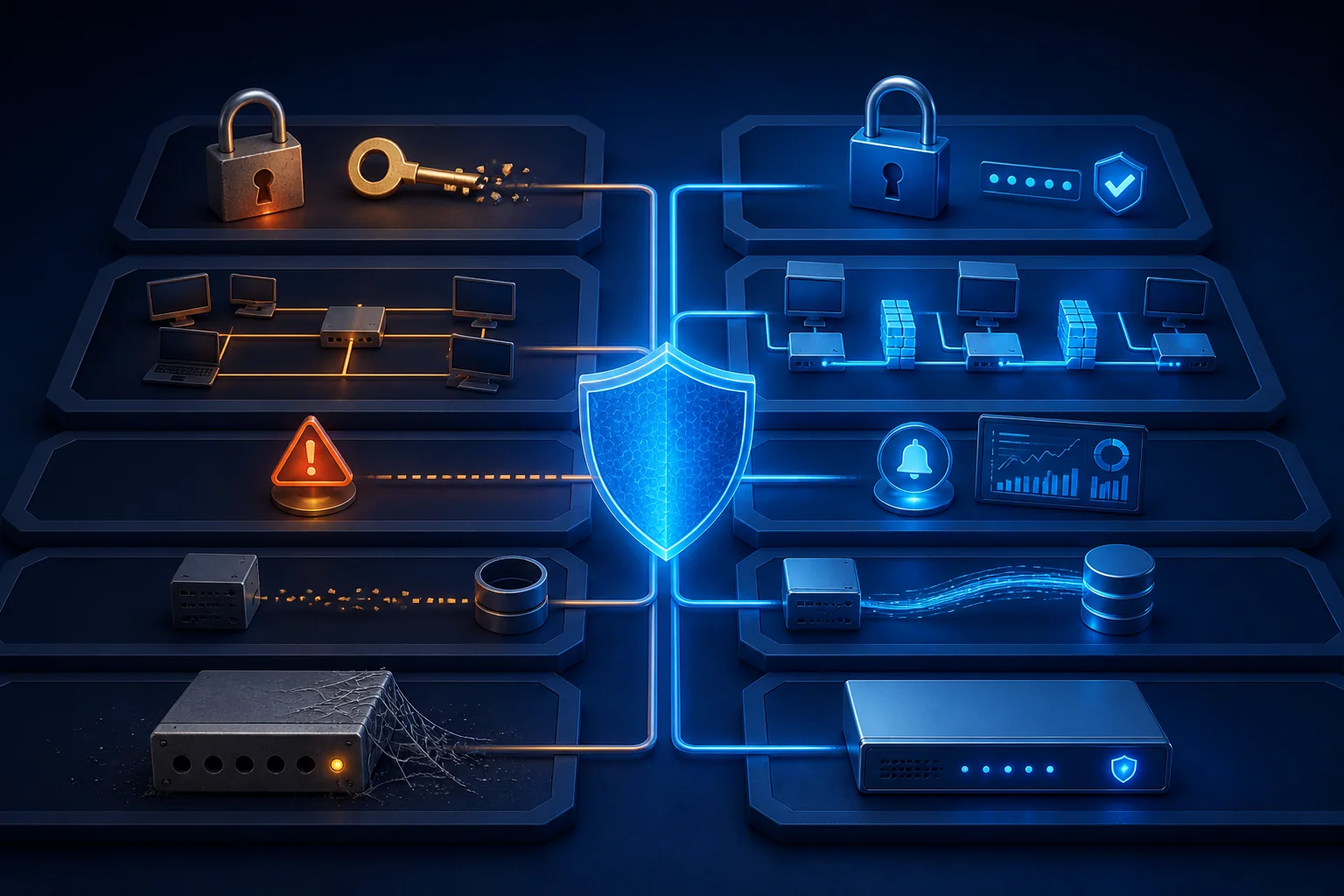
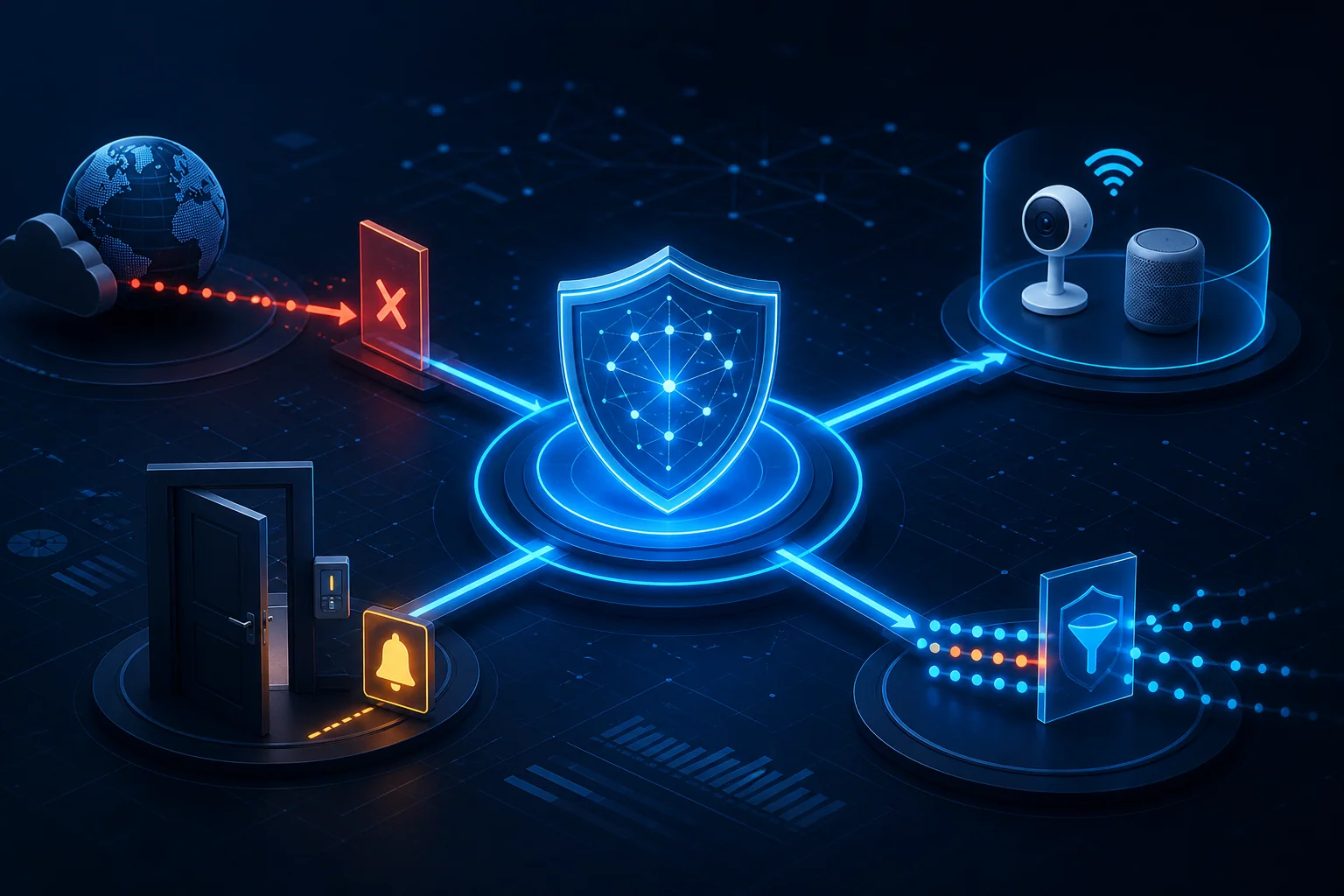
The Active Response Playbook: Automating Threat Mitigation
Four ready-to-use Active Response playbooks: brute-force auto-blocking, IoT quarantine, after-hours escalation and DDoS rate limiting — with safety rails.
By Tony Martinez
Security insights, product updates, and expert guides for UniFi network administrators.
Four ready-to-use Active Response playbooks: brute-force auto-blocking, IoT quarantine, after-hours escalation and DDoS rate limiting — with safety rails.
SentinelNerd v2.0 is here with AI-powered threat analysis, a redesigned detection engine, new integrations, and a completely overhauled dashboard.
Monthly analysis of threats targeting UniFi networks: SSH brute-force trends, IoT botnet activity, DNS tunneling patterns and what to do about them.
A complete guide to configuring Slack notifications for SentinelNerd security alerts, including severity routing, message formatting, and best practices.
An inside look at how SentinelNerd's AI engine uses Claude and GPT-5 to explain threats, map to MITRE ATT&CK, and cut alert fatigue for UniFi admins.
Learn to write YAML-based detection rules for SentinelNerd, from basic pattern matching to advanced windowed correlation across UniFi event sources.
An honest comparison of SIEM options for UniFi networks: SentinelNerd vs Splunk, ELK and Wazuh on features, cost, complexity and UniFi integration.
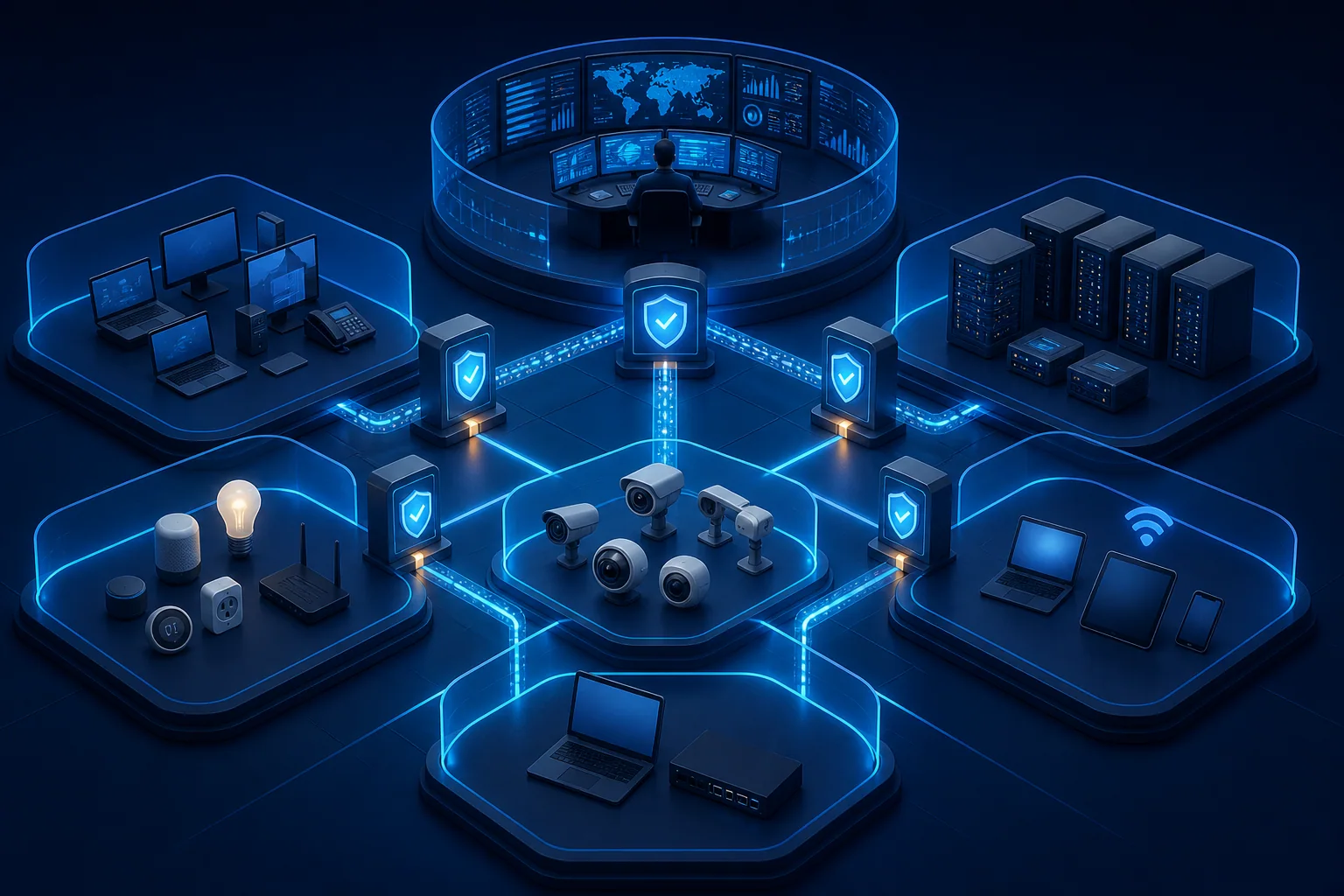
A practical guide to zero trust on UniFi networks: VLAN segmentation, firewall rules, device profiling and continuous monitoring with SentinelNerd.
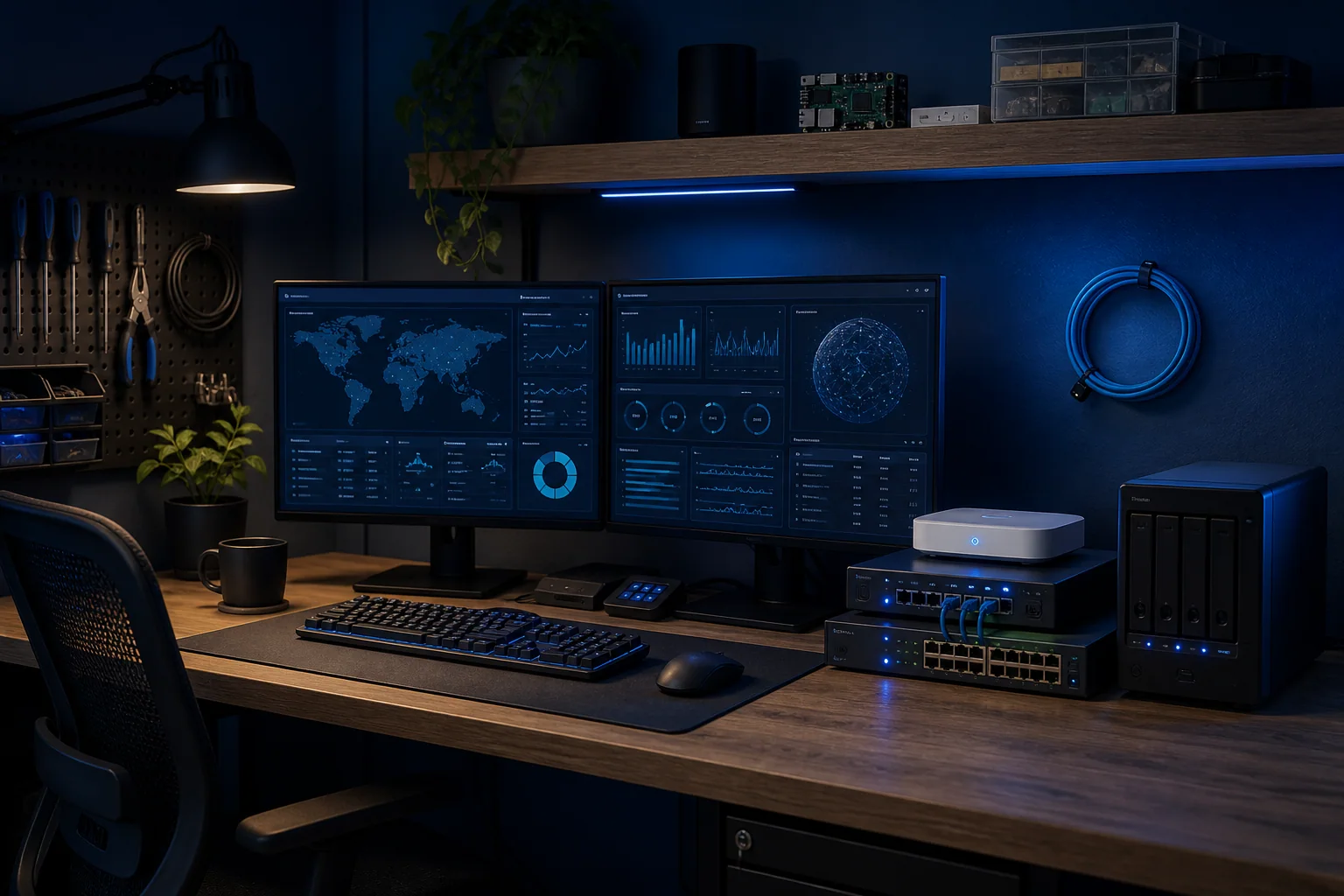
Build a home Security Operations Center on UniFi hardware with SentinelNerd: choosing the gear, wiring up ingestion, and running daily monitoring.
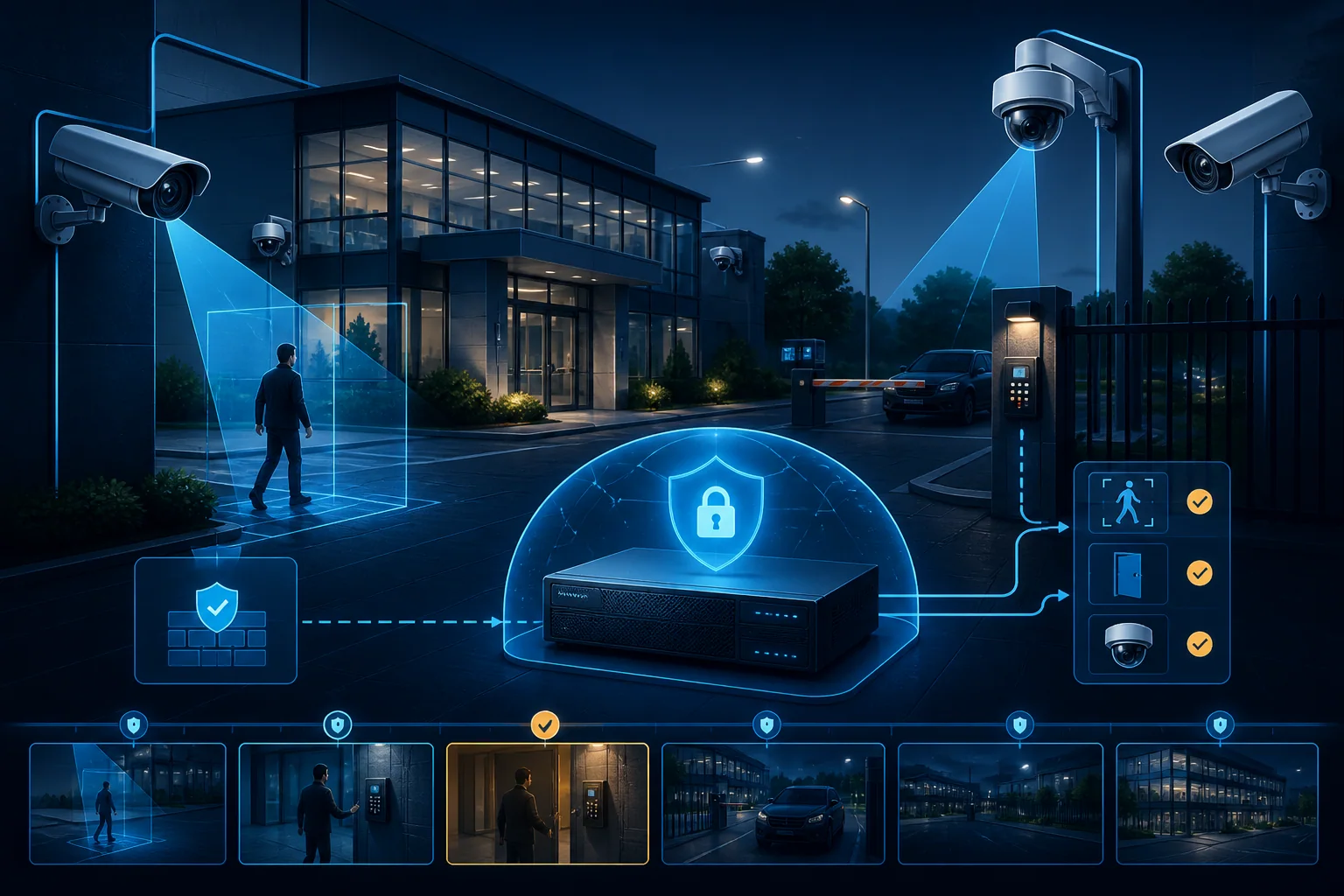
Use UniFi Protect as a security tool, not just a recorder: smart detection, camera placement, NVR hardening, and tying it into network monitoring.
Learn how to set up SentinelNerd and start monitoring your UniFi network in minutes.
Demystifying UniFi's intrusion detection system and how to respond to common alerts.
Common security misconfigurations in UniFi networks and practical solutions to harden your setup.
Get security tips, product updates, and UniFi insights delivered to your inbox.